

Feature Products
FEATURED PRODUCTS
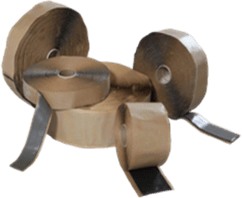
Butyl Rubber Sealant
MB-10A TAPE
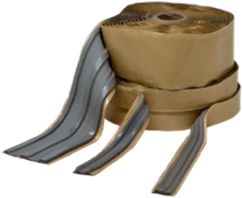
Butyl Rubber Sealant
MB-10A TAPE
Butyl Rubber Sealant
MB-10A TAPE
Butyl Rubber Sealant
MB-10A TAPE
Feature Products component steps -
- Open the Toolbox in Experience Editor
- Select the ADVANCED COMPONENTS Group/Category
- Select Featured Products
- Create a data source within a page or globally based on your requirements.
- Go to styles -
- Under Solid Backgrounds styles select solid-background-black
- Update - Image / Title / Tag / CTA1 as per your requirement
- Save it.
Help Text
- Image dimensions: 242px*198px
- Characters limit for Tag : 29
- Characters limit for Title : 13